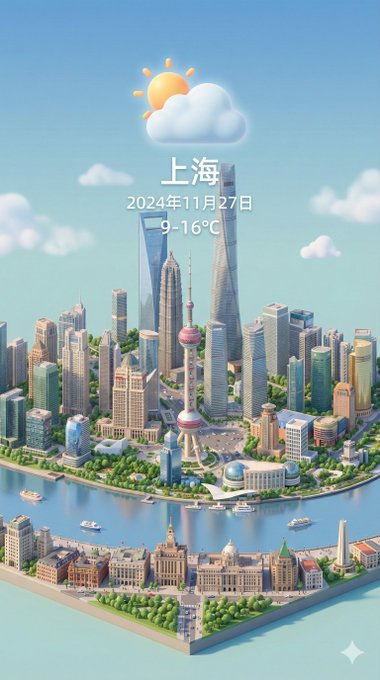
//

{
  "image_generation_prompts": [
    {
      "id": 1,
      "title": "Air Jordan 1 'Chicago' High-Top Assembly",
      "subject": {
        "main_element": "Giant Nike Air Jordan 1 High Sneaker (Chicago colorway)",
        "orientation": "Standing upright",
        "details": [
          "Premium red and white leather texture",
          "Black Nike Swoosh logo",
          "Thick laces resembling heavy ropes"
        ]
      },
      "environment": {
        "setting": "Concrete urban floor",
        "elements": [
          "Cranes hoisting the shoelaces",
          "Scaffolding around the ankle collar",
          "Miniature workers in streetwear safety gear"
        ]
      },
      "action": [
        "Stitching the leather swoosh",
        "Polishing the white rubber midsole",
        "Threading the giant laces through eyelets",
        "Painting the 'Air Jordan' wings logo."
      ],
      "style": {
        "camera_view": "Low-angle macro",
        "technique": "Tilt-shift hypebeast photography",
        "focus": "Sharp focus on the leather grain",
        "atmosphere": "Cool, urban, and stylish"
      },
      "parameters": {
        "aspect_ratio": "--ar 3:4",
        "reference_constraint": "Style must match the miniature macro photography reference"
      }
    }
  ]
}This prompt uses a JSON structure to define multiple scenes (Sneakers, Donuts, Keyboards, Vinyl). Use the JSON format to switch subjects.
This prompt is tested with Nano Banana Pro (Gemini 3) to ensure high fidelity and text rendering accuracy. It works best for creating Scenery style images. Simply copy the text above and paste it into your Google Gemini generator.